CREATE YOUR BRIDGER ACCOUNT
To sign up and create your account:
- Go to bridgermusic.io and click Create account.
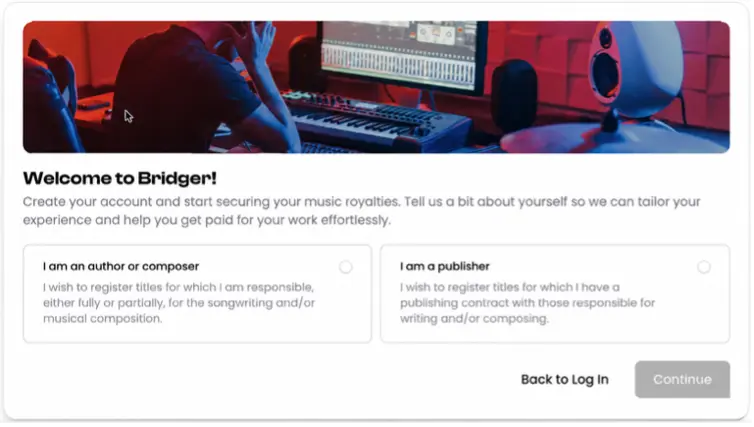
On the next screen, confirm that you write music or lyrics by selecting the I’m a Songwriter checkbox, then click Next.
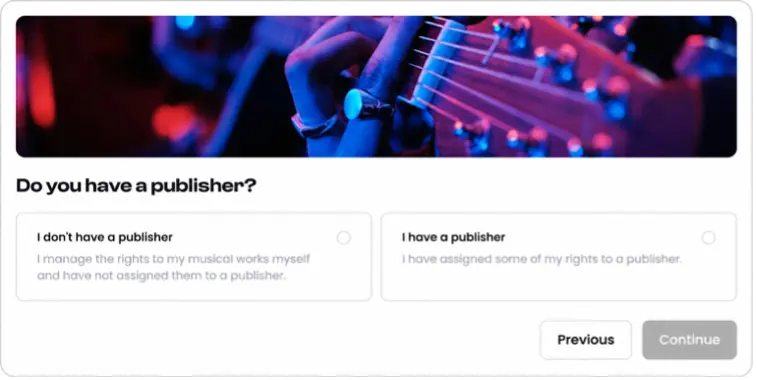
If you manage your songwriting rights independently, select I don’t have a publisher and click Next.
If you are signed to a publisher, select I have a publisher and request a callback. Our team will contact you to review your situation and explain the next steps.
If you continue with account creation, you can register using your email address, Google or X.
If you choose Sign up with Email, enter your address in the Account Email field and click Register. Open the email from Bridger and click Confirm your email to return to the platform. Check your spam or junk folder if you cannot find the message.
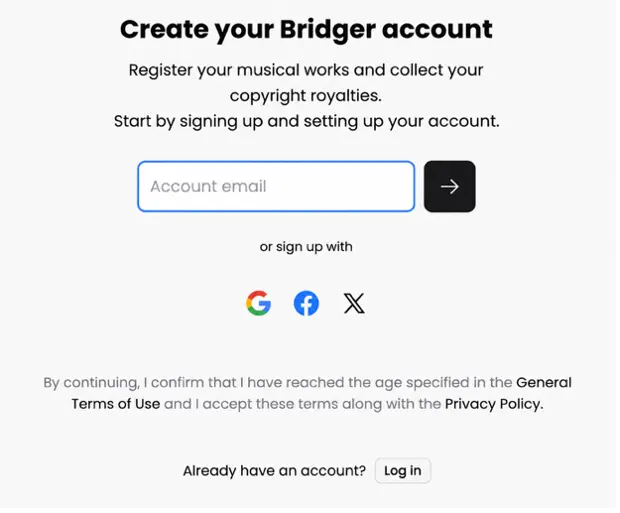
If you choose Google or X, select the corresponding icon and follow the instructions to sign in and authorize your account. You will then return to Bridger.
From here, complete the remaining fields, including your full legal name and password if requested, then click Continue.
Enter your given names and surname exactly as they appear on your official identity document, even if you release music under a different artist name.
Your account is now created. Use the same sign-in method whenever you return to Bridger.
LOG IN AND MANAGE YOUR PASSWORD
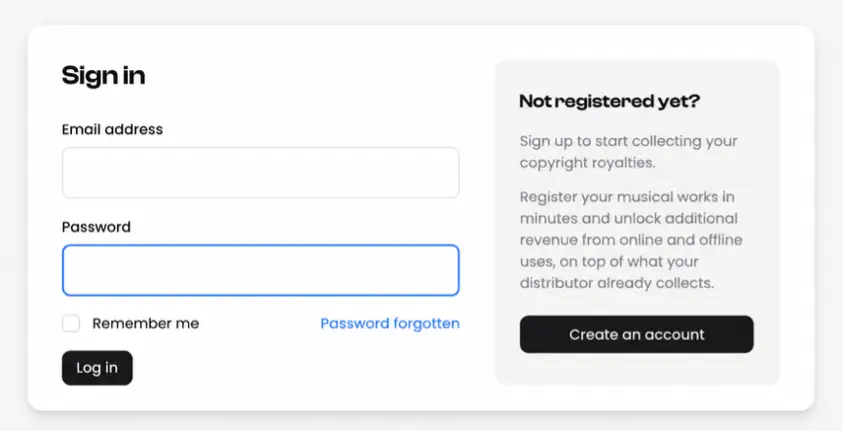
- If you are signed in to Bridger, log out first. Go to the Bridger login page and click Forgot your password.
- On the Password forgotten page, enter your account email in the Email address field and click Send link.
- Open the email from Bridger and follow the secure link to set your new password. If you cannot find the email, check your spam or junk folder.
- You can then return to the login page and sign in with your new password.
IDENTITY VERIFICATION
Why do I need to verify my identity?
Identity verification helps us confirm who is registering your works and receiving the associated royalties. To activate your account, we will need to verify your identity
Your verified identity supports our checks for existing affiliations with collecting societies, PROs or publishing administrators. We use this information alongside your affiliation details to identify agreements that may already cover the rights you want Bridger to collect on your behalf.
Until your identity verification is complete, you cannot sign your mandate, and Bridger cannot complete your copyright registration or collect songwriting royalties on your behalf.
How do I verify my identity?
Have your valid, original government-issued identity document and your smartphone ready.
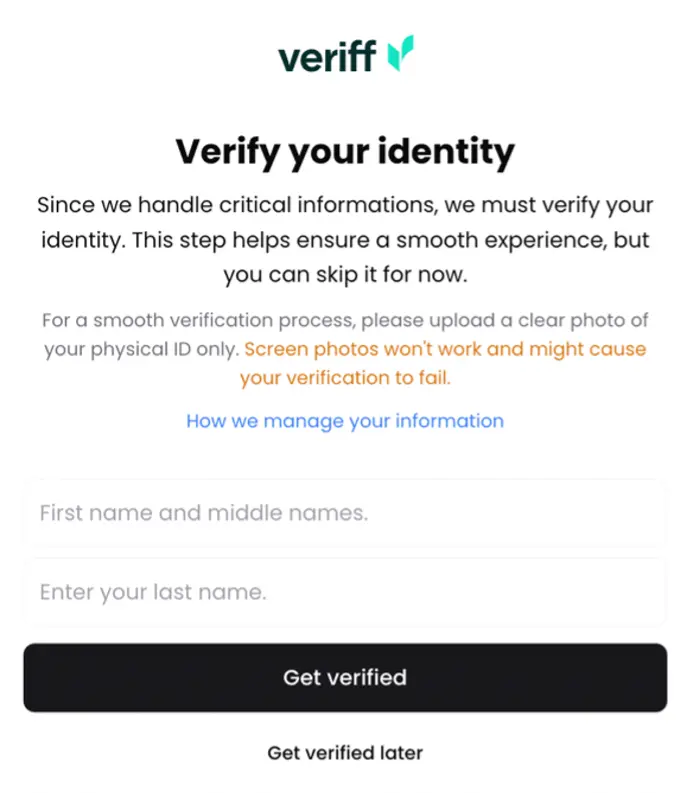
- Check your personal details in Bridger. Enter all your given names in the First name and middle names field and your full surname in the Last name field. These must match your identity document exactly.
- Click Get Verified to continue to Veriff. Scan the QR code with your smartphone and follow the instructions to photograph your original physical identity document and take a selfie.
- Make sure the document is clearly visible and all details are readable.
Use the original document when prompted, rather than a screenshot, scan or photocopy.
If you’ve skipped the step during the onboarding you can always find the identity check on your overview.
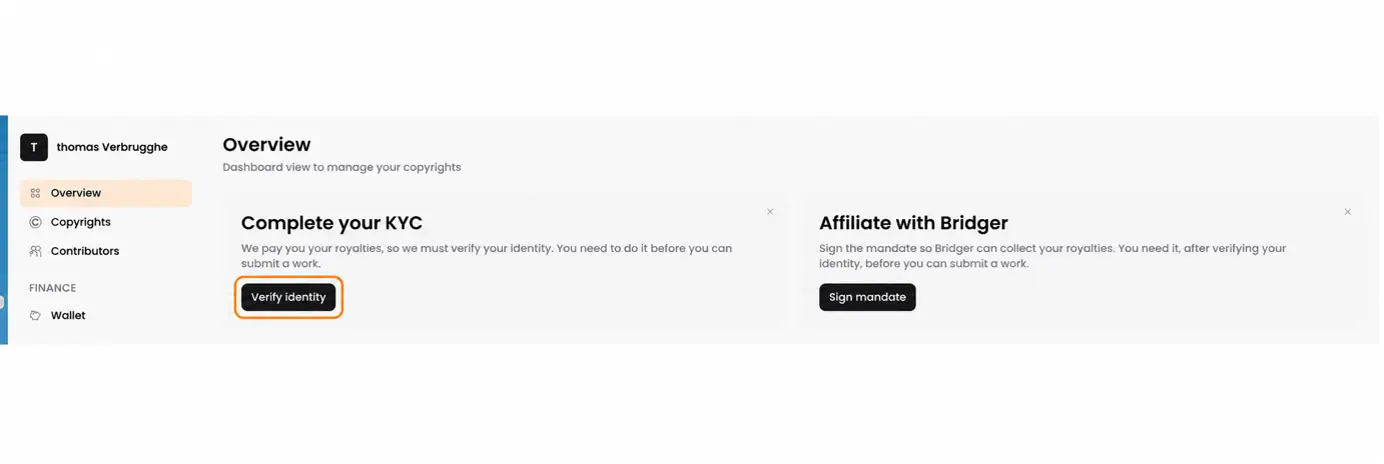
What do the verification statuses mean and what actions do you have to take?
• Unverified: Start the identity verification process.
• Pending: Complete any remaining steps. Contact support if unchanged after 24 hours.
• Verified: Your identity is confirmed. You can now sign your mandate.
• Declined. Verification was unsuccessful. Review the reason and contact support for help.
What if verification is unsuccessful? What can I do to troubleshoot?
Check that the name entered in Bridger matches your identity document exactly.
Make sure your document is valid.
Make sure you are using the original physical document, and not images and/or scans of an original document.
Unclear images, missing document details or submitting a digital copy can prevent verification.
If you cannot continue or do not understand the request, email support@bridgermusic.io.
What if verification is still pending?
Check that you completed every step, including submitting your document and selfie. Review your inbox and spam folder for requests for additional information.
If your status remains Pending for more than 24 hours after completing the process, email support@bridgermusic.io using your registered email address.
IMPORT YOUR WORKS FROM SPOTIFY
After verifying your identity and signing your mandate, click Import works from Spotify. Note that this will only be possible once the identity check has been perfomed and mandate has been signed.
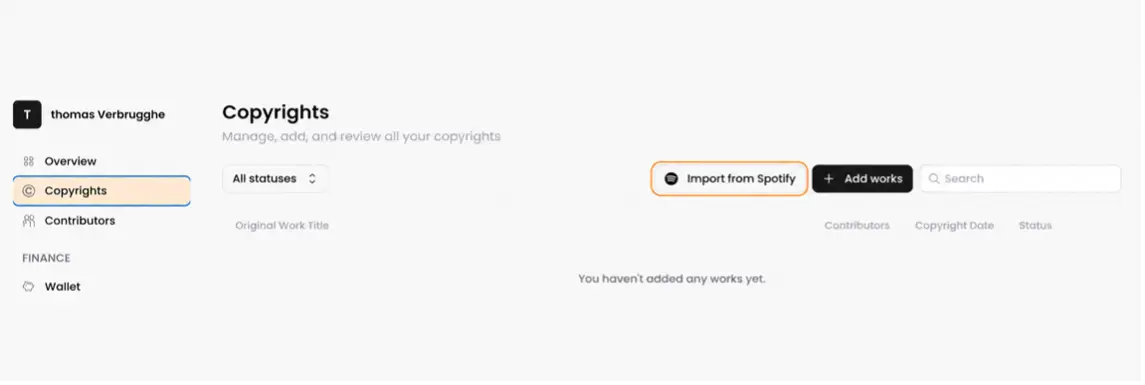
Paste the Spotify artist profile link into the Artist profile URL field. Bridger will display the available releases and tracks so you can select the songs you helped write or compose.
Click Add next to each track you want to register. Once you have selected your tracks, click Continue with the works selected to start registering them.
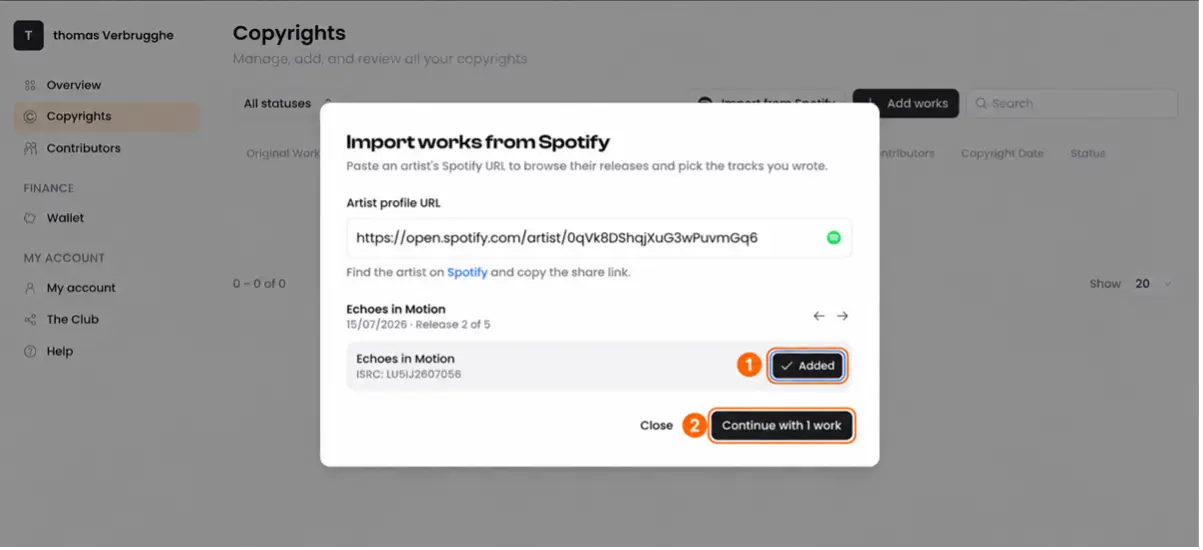
For each work, review the information, confirm your songwriting contribution, add all writers using their full legal names and enter the agreed ownership splits. Submit the completed works for review.
Where can I find the Spotify artist profile link?
Open the relevant artist profile on Spotify, click the three dots near the artist name or profile image and select Share. Copy the artist profile link and paste it into Bridger. You can use your own artist profile or the profile of another artist who has released songs you helped write.
Want to know more? Watch our video from 1:06.